.svg)
Solutions
Features
Resources
.svg)
Trusted by 2,000+ operators
"Whether you have a smaller listing count or a larger one, Uplisting is easy to use, and it's scalable."
Josh Kristoff
Nomad Capital Adventures

4.8/5

4.9/5
Log in to your account
"Whether you have a smaller listing count or a larger one, Uplisting is easy to use, and it's scalable."
Josh Kristoff
Nomad Capital Adventures
Log in to your account


You’ve got a three-night gap sitting in your calendar between two solid bookings. It’s too short for most guests to bother booking, too long to ignore, and just long enough to cost you real money. If you’ve ever felt that quiet frustration, you’re not alone. Gap nights are one of the most persistent and most overlooked sources of lost income in short-term rentals.
Uplisting’s Gap Night feature changes that. Here’s why it matters and how to put it to work.
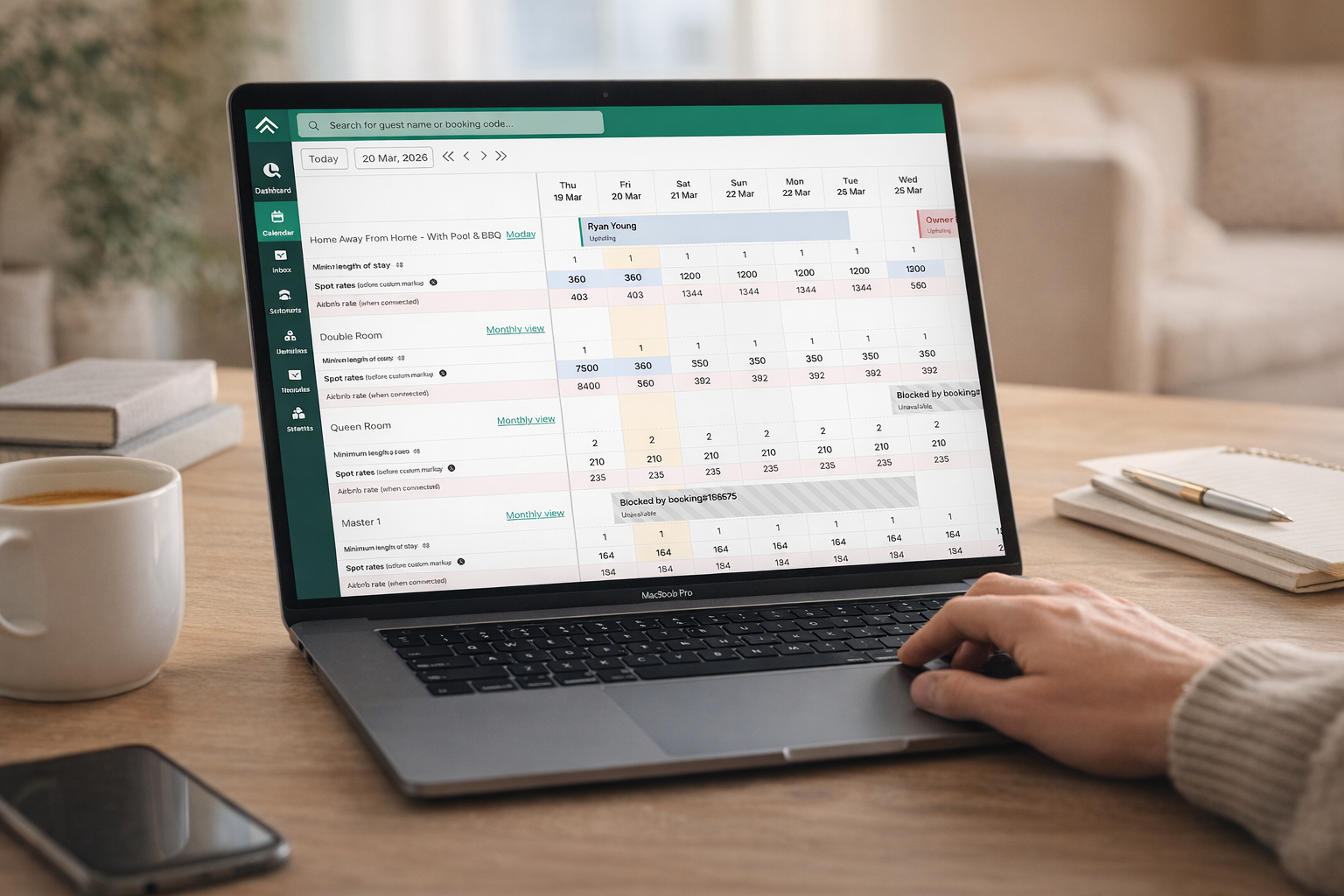
Most hosts set a minimum stay rule to protect against the cost of constant turnovers. It’s a sensible policy. But when two bookings sit close together, that same rule can render the gap between them completely unbookable. A guest looking for two nights won’t book a one-night gap. A guest looking for a week won’t book a three-night gap. The calendar stays empty.
Experienced hosts often catch this manually: log in, spot the gap, temporarily adjust the minimum stay, then remember to reset it. Across multiple properties and platforms, that operational overhead becomes unsustainable. And every day a gap sits unfilled is a night of revenue that will never come back.
Gap Night is a smart automation built into your Uplisting property settings. It detects calendar gaps and automatically adjusts your minimum stay requirements to make those nights bookable, without any manual intervention. Configure it once, and it works continuously across your portfolio.
Three settings give you precise control:
Once configured, Gap Night runs silently in the background, capturing revenue opportunities even while you sleep. No daily calendar checks, no manual minimum stay adjustments, no resets to forget.
Filling gap nights directly boosts your Revenue Per Available Room by reducing empty nights. It also broadens the date combinations your listing can accommodate, which Airbnb’s algorithm rewards with increased search visibility. More impressions, more bookings, stronger performance over time.
Manual calendar management is a time sink. The Gap Night feature eliminates an entire category of repetitive administrative work. Across a multi-property portfolio, that’s hours reclaimed every month.
Short-break and last-minute travellers often have strong booking intent but hit a wall when minimum stay rules block available dates. Gap Night opens your property to this motivated segment without compromising your broader availability strategy.
You can find and toggle on this setting under:
Listing → Availability → Gap Night Settings
When enabled, Gap Night Settings sync across all connected booking channels, including Airbnb, Booking.com, Vrbo, Google, and Uplisting Direct.
Find out more on our Help Guide here
Gap nights are a structural challenge built into how minimum stay rules interact with a dynamic booking calendar. Most hosts accept them as an unavoidable cost of doing business. With Uplisting’s Gap Night feature, you don’t have to. Configure it once and let it work continuously across your portfolio, recovering revenue, improving your Airbnb ranking, and giving guests more flexibility to book.
That’s not just a feature. That’s what sophisticated property management looks like.
Log in to your Uplisting dashboard, head to your property settings, and enable Gap Night today. It takes less than two minutes to configure and starts working immediately

.png)